Information Disclosure in Error Messages - PortSwigger Lab Walkthrough
Introduction
In this blog, I’ll walk you through how I solved the PortSwigger lab titled “Information Disclosure in Error Messages”. This lab teaches the importance of verbose error messages and how they can leak sensitive backend information.
Step-by-Step Walkthrough
Step 1: Launching the Lab
After clicking “Access the Lab,” a new web application opened with basic search functionality.
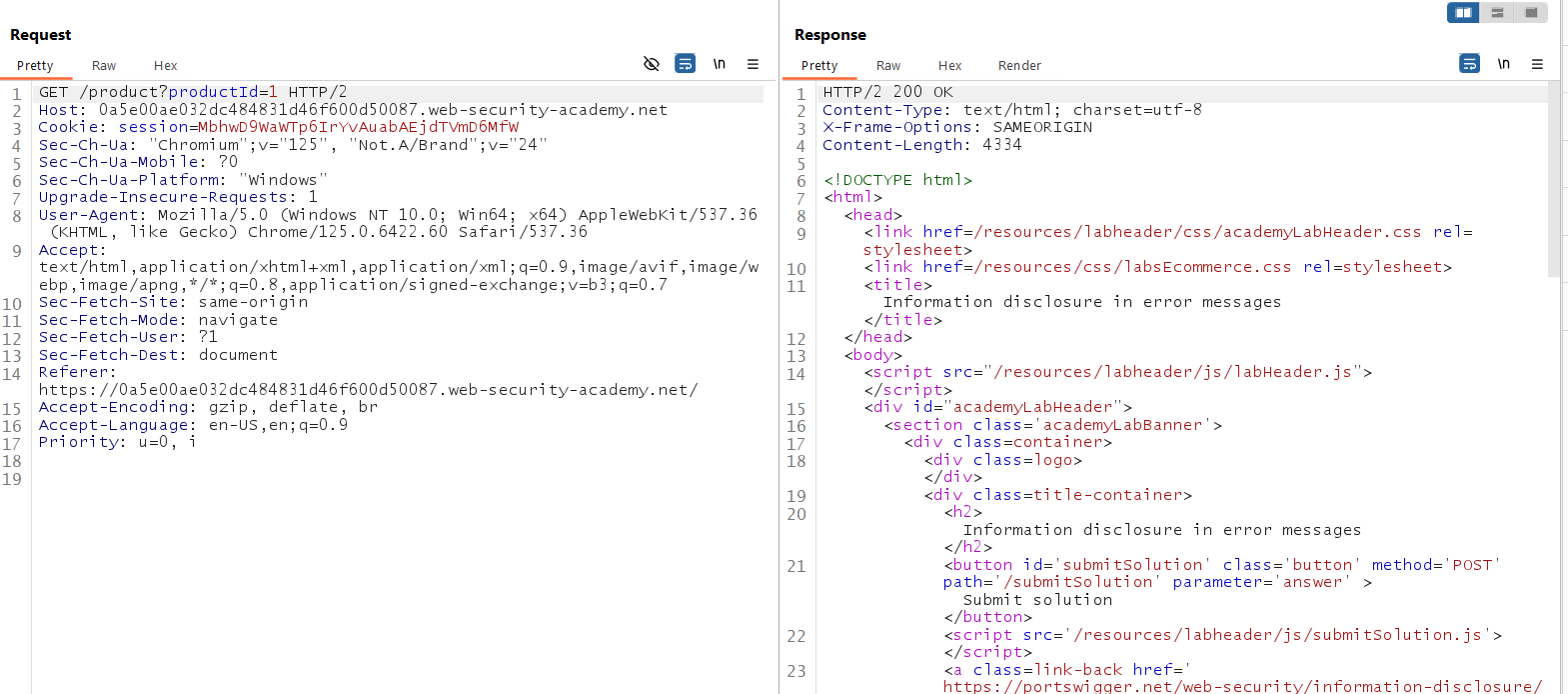
Step 2: Triggering an Error
I tried entering some random characters into the search input like: ,
This led to a stack trace error on the web page, revealing sensitive information.
Step 3: Analyzing the Error Message
The error message showed the following(example):
javax.servlet.ServletException: javax.el.ELException: ... org.apache.catalina.core.ApplicationFilterChain.internalDoFilter(ApplicationFilterChain.java:193) ... org.springframework.web.servlet.DispatcherServlet.doDispatch(DispatcherServlet.java:1000)
From the error message, I identified that the application is using Spring Framework.
Looking deeper into the trace, I found a version number:
at org.springframework.web.servlet.FrameworkServlet.processRequest(FrameworkServlet.java:978) ... Spring Framework 4.3.10.RELEASE
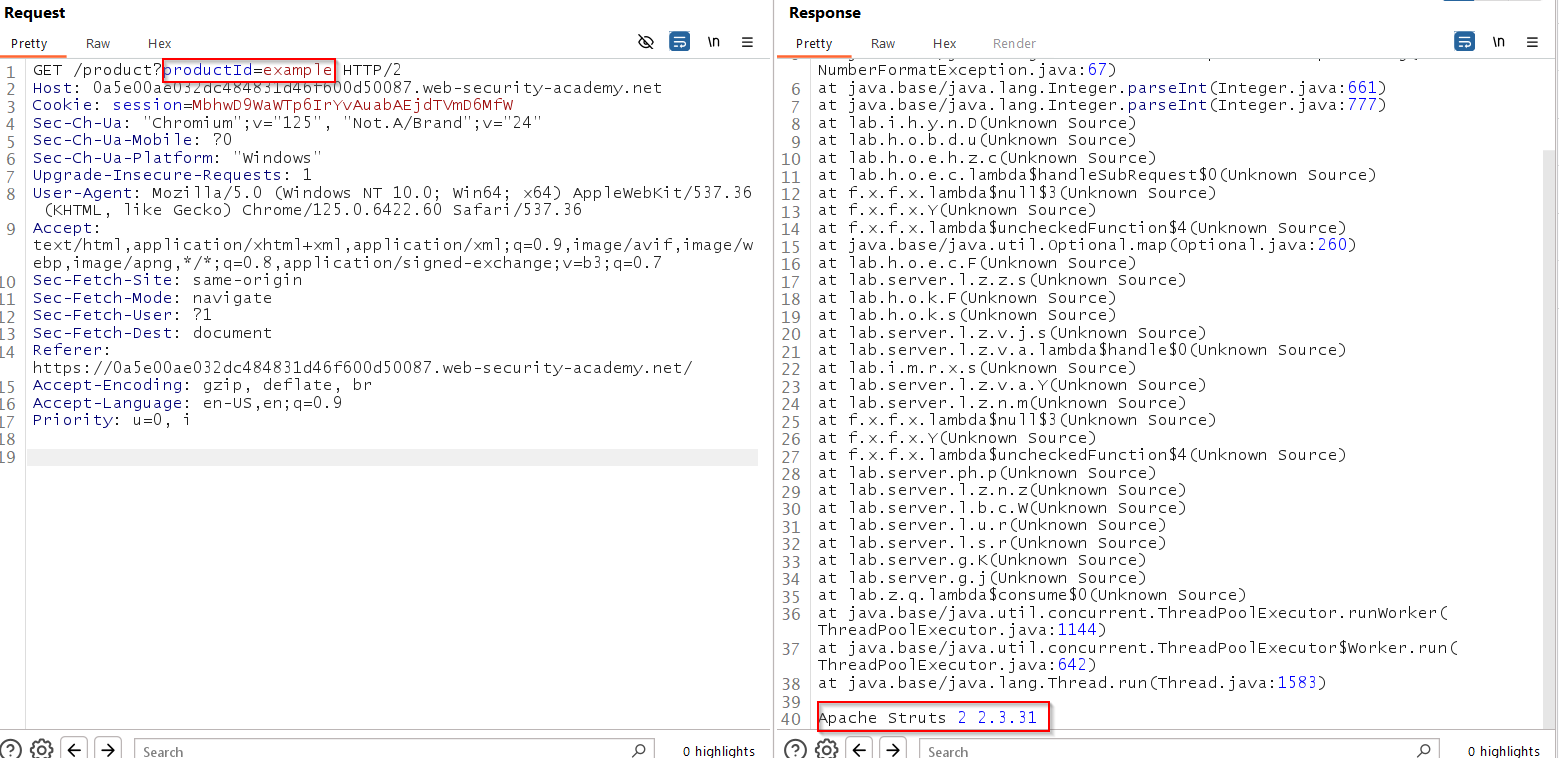
Step 4: Submitting the Version
Back on the lab page, I entered 4.3.10.RELEASE as the version number and clicked Submit.
What I Learned
Detailed error messages can leak framework names and versions.
Attackers can use this info to find configure production servers to show generic error messages.
Always sanitize user input and configure production servers to show generic error messages.
Mitigation
Disable verbose error messages in production.
Use generic error responses.
Monitor and patch vulnerable third-party libraries.
Conclusion
This lab was a simple but effective demonstration of how much information a single error message can leak. Always remember: less is more when it comes to errors in production!
Comments
Join the discussionNo comments yet. Be the first to comment.